Smart-зеркала
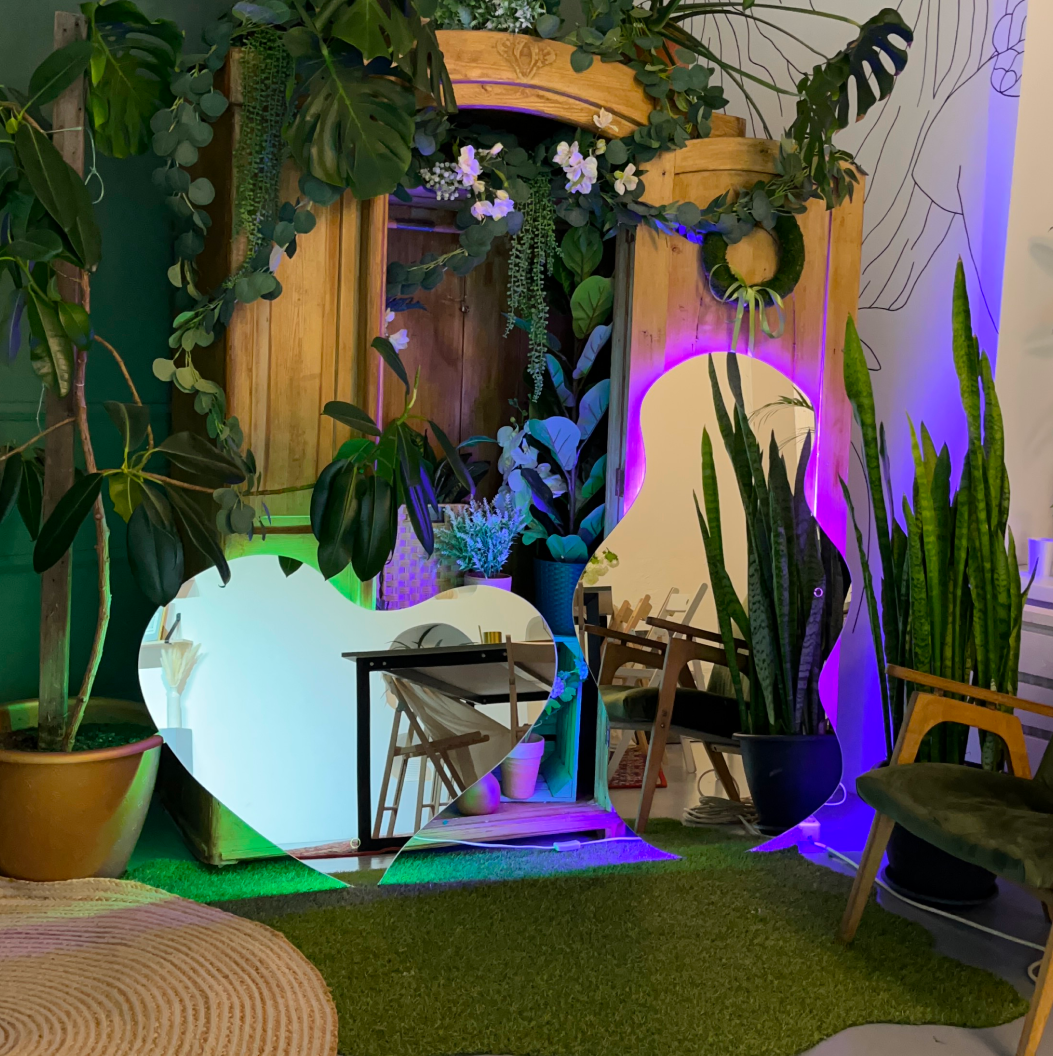
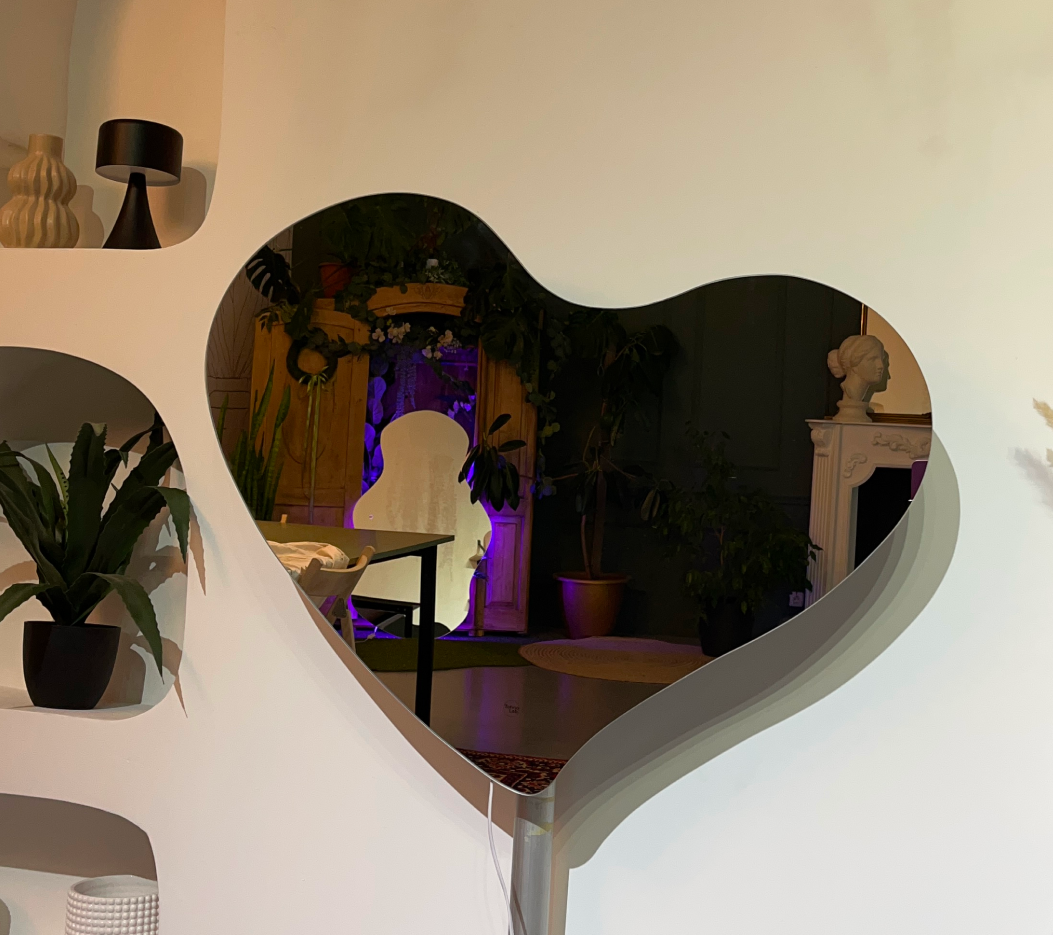
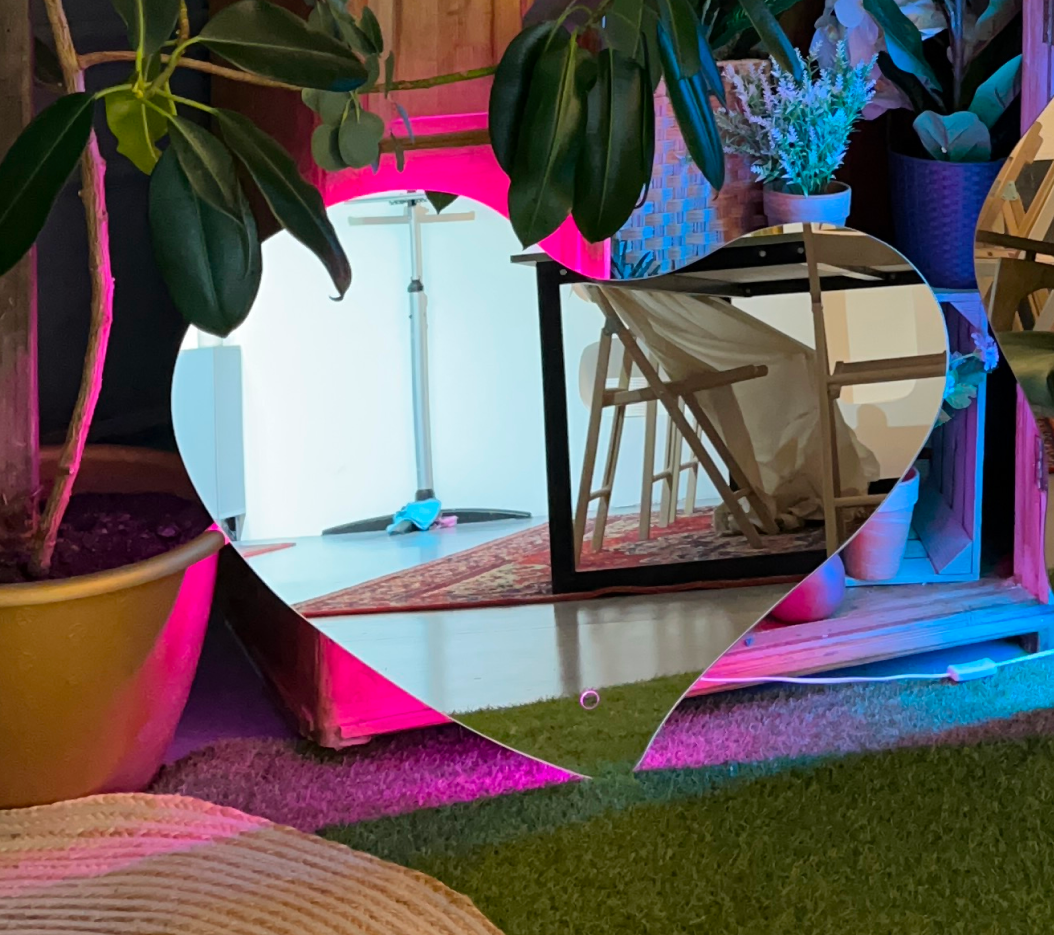
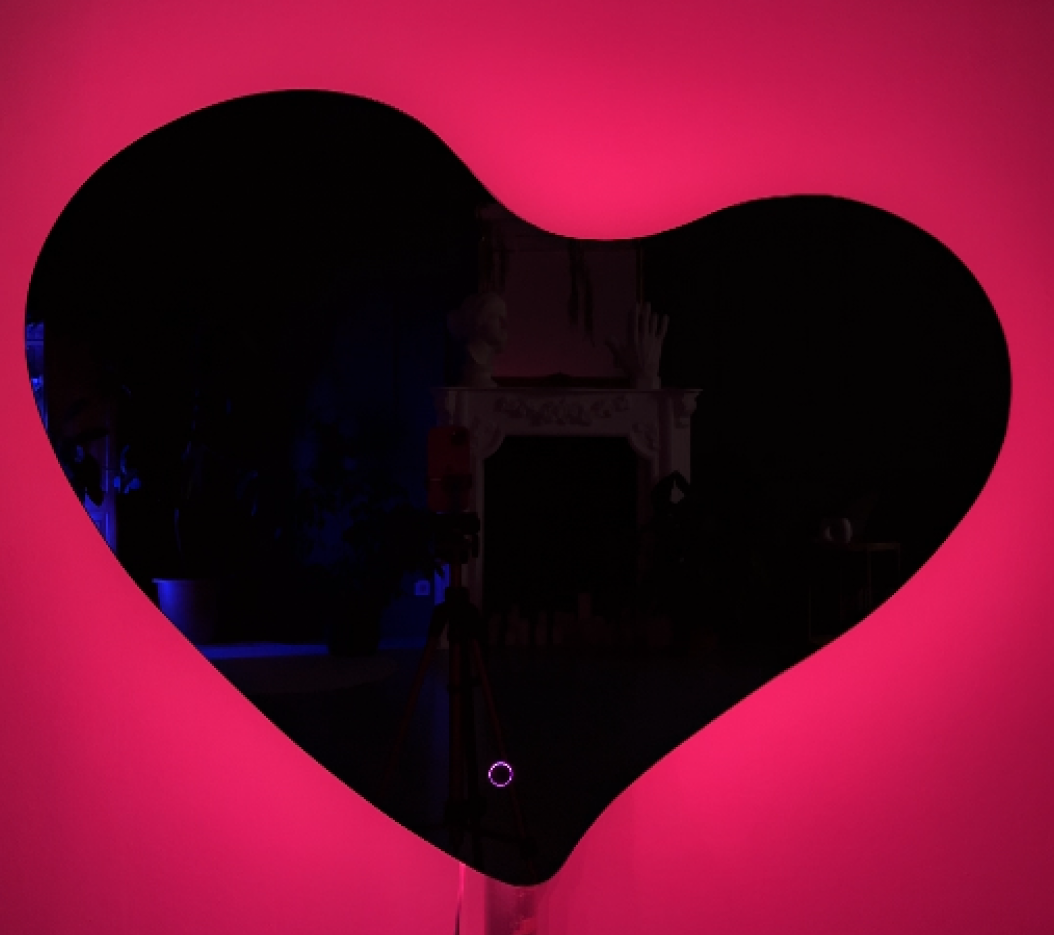


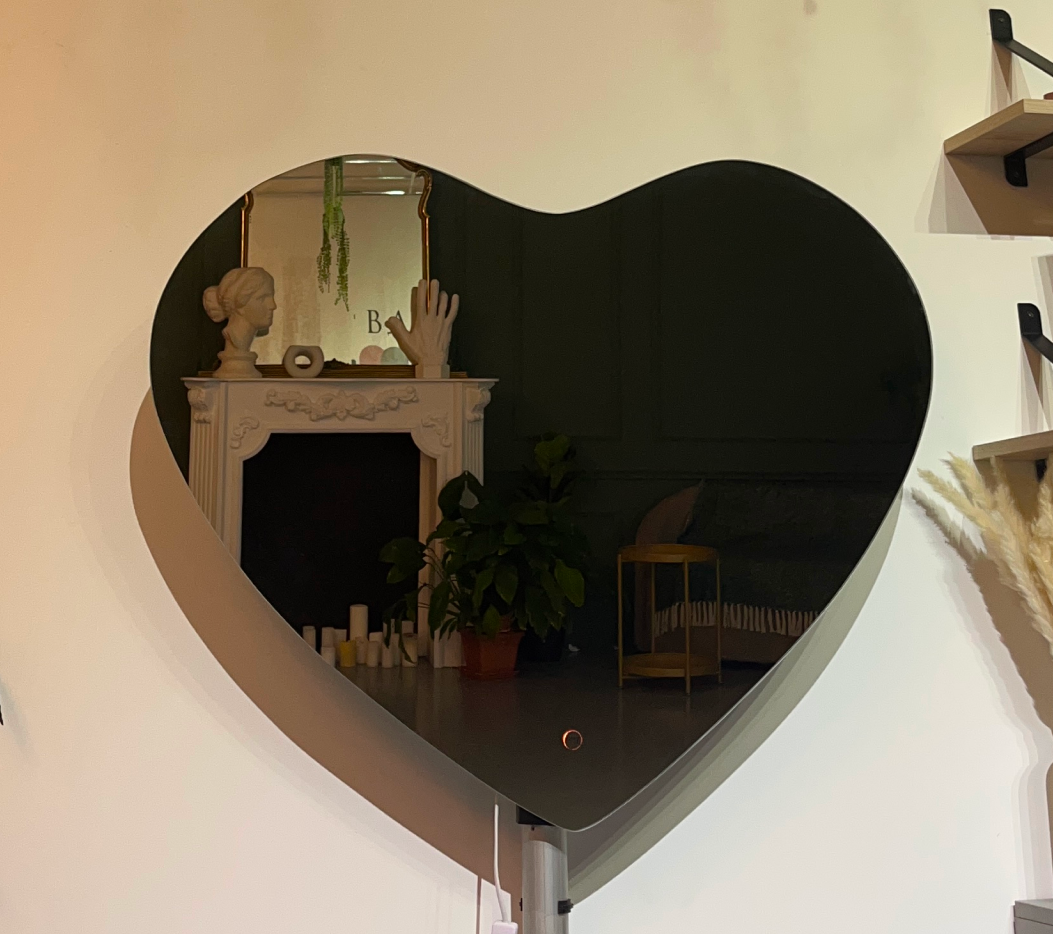
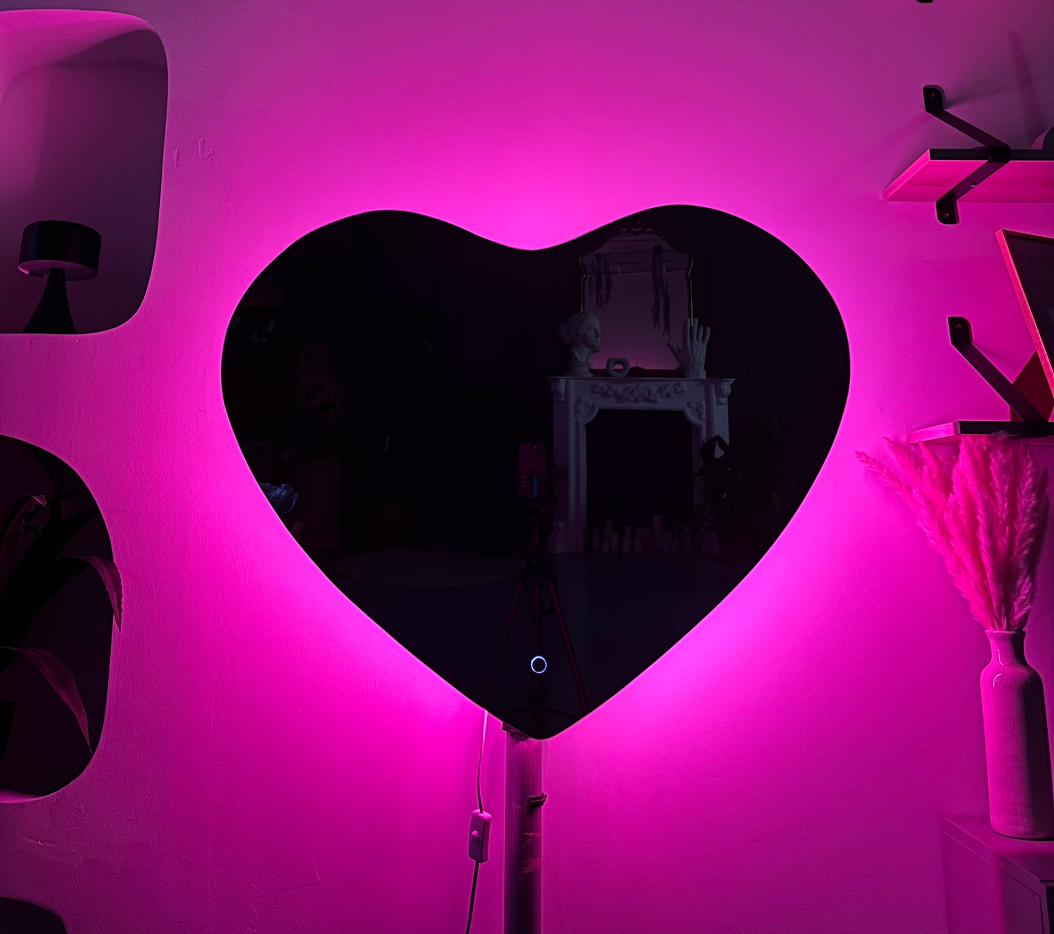
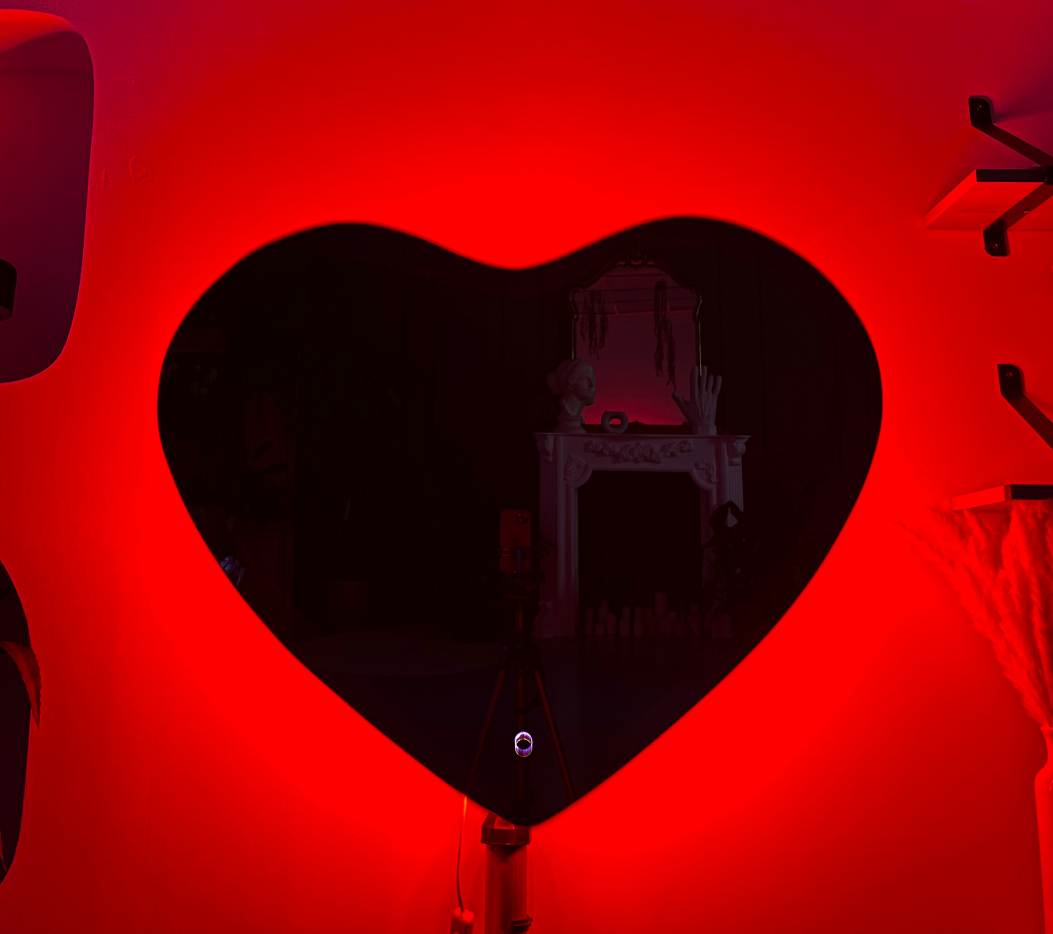

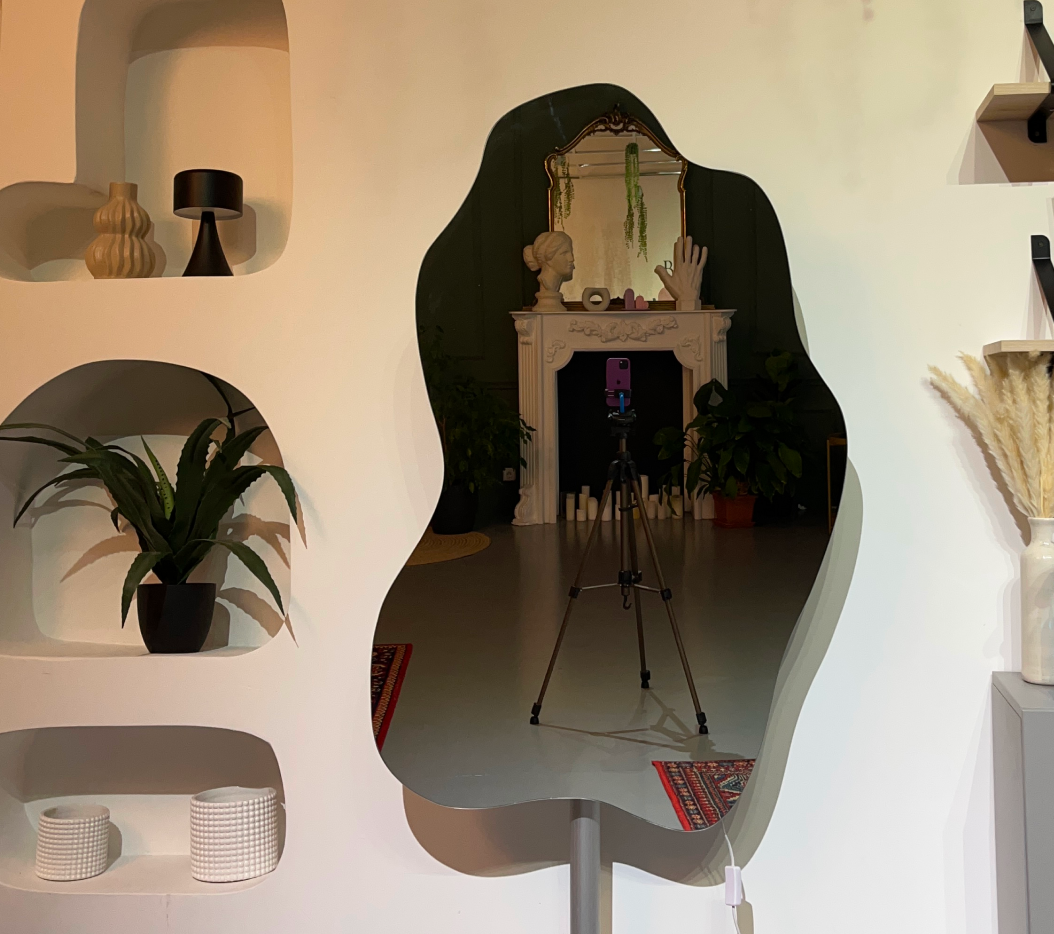
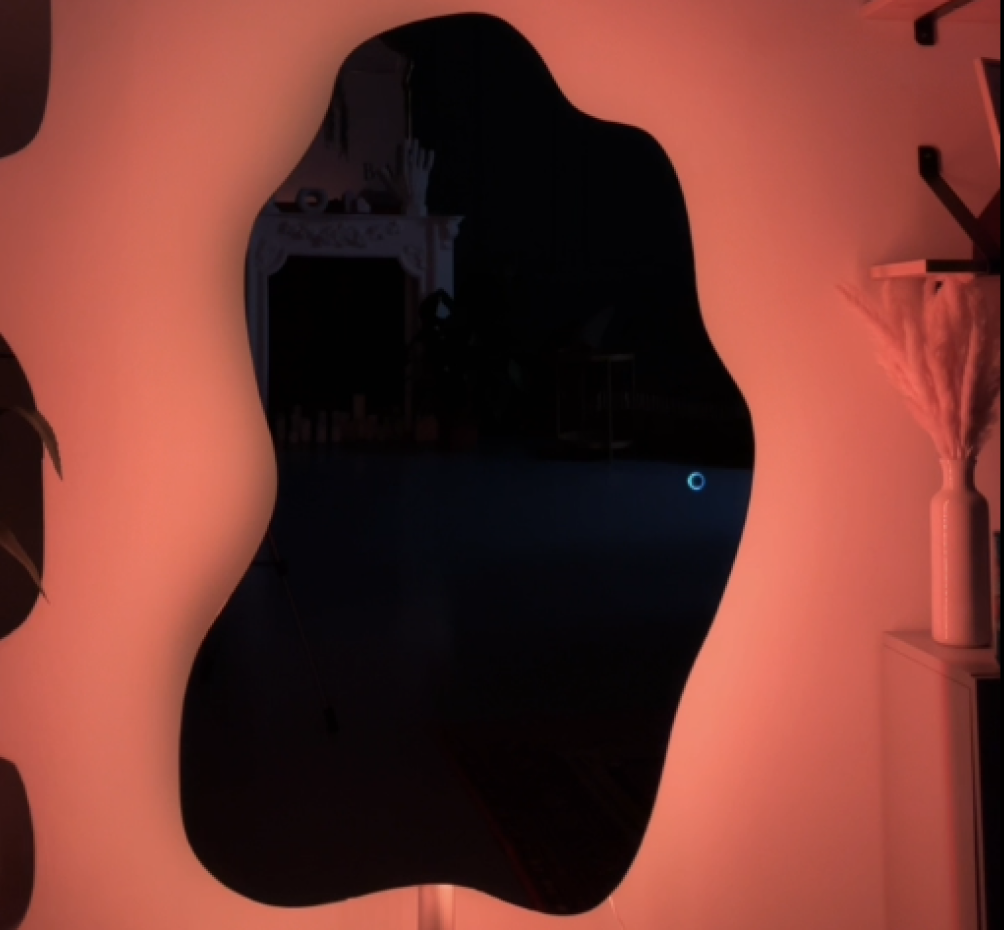
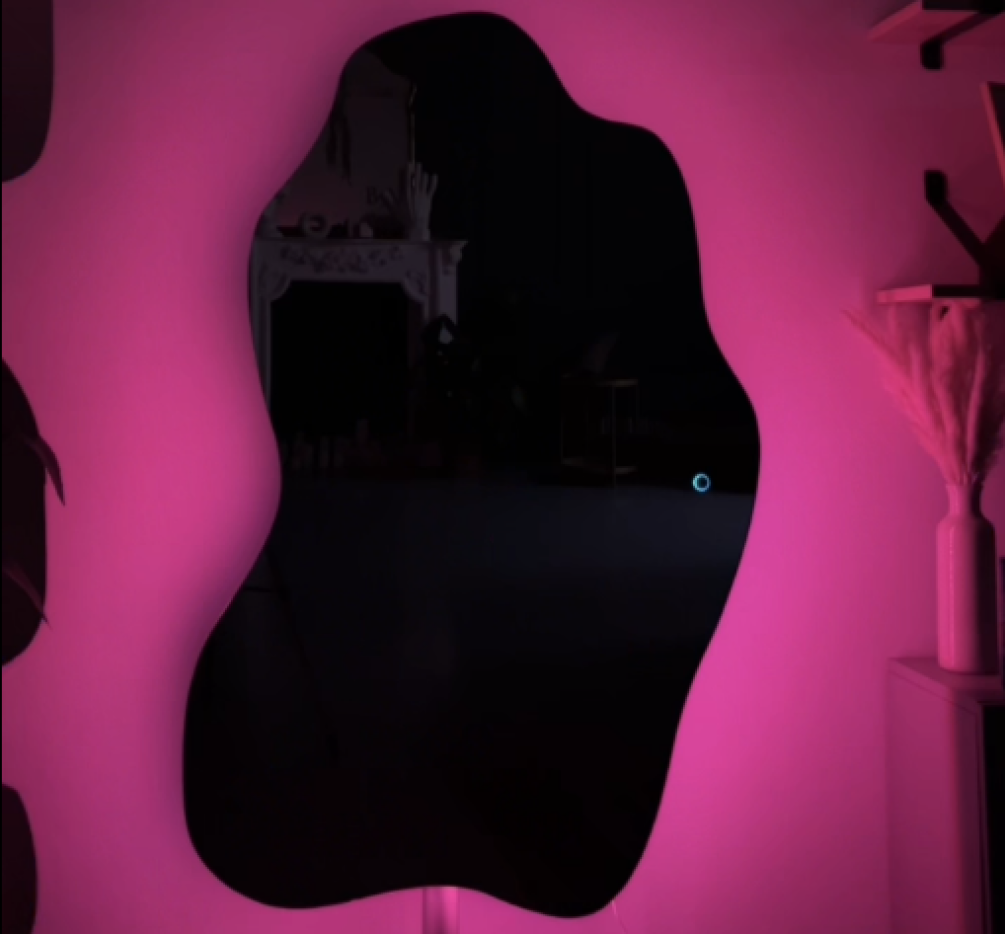

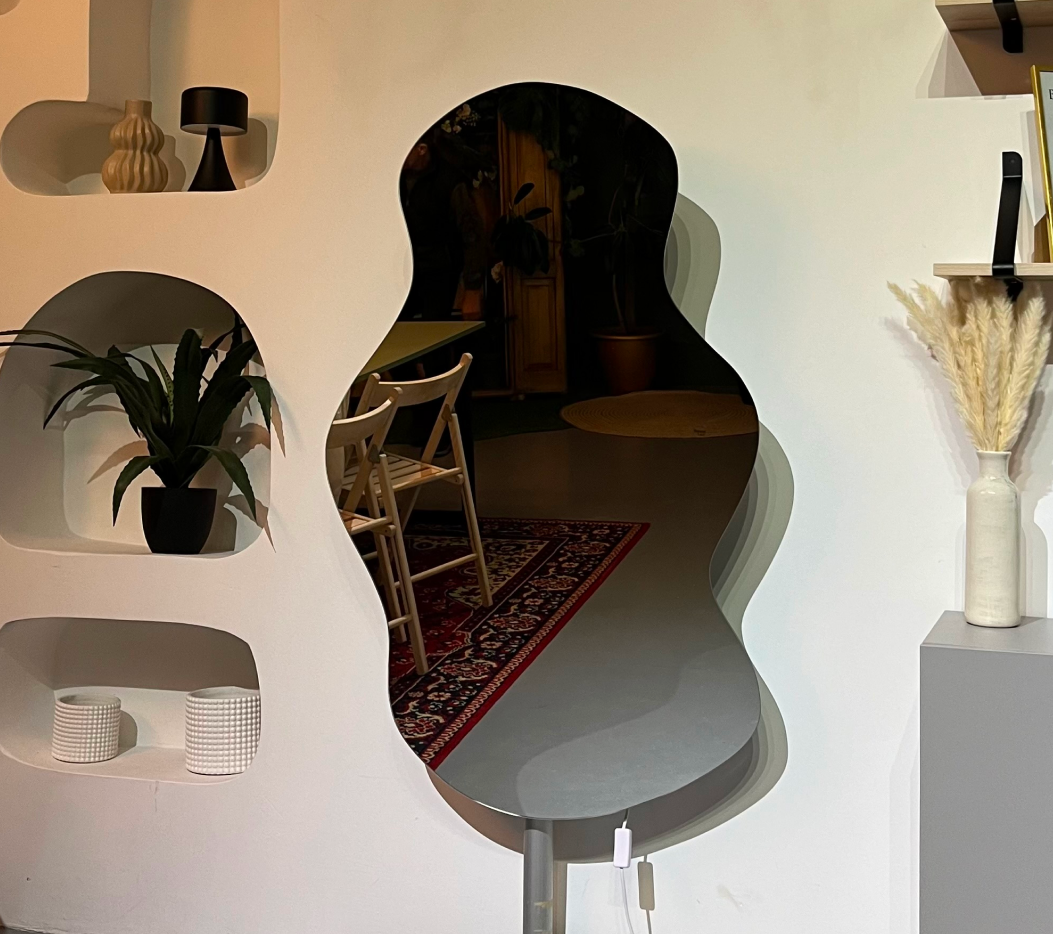
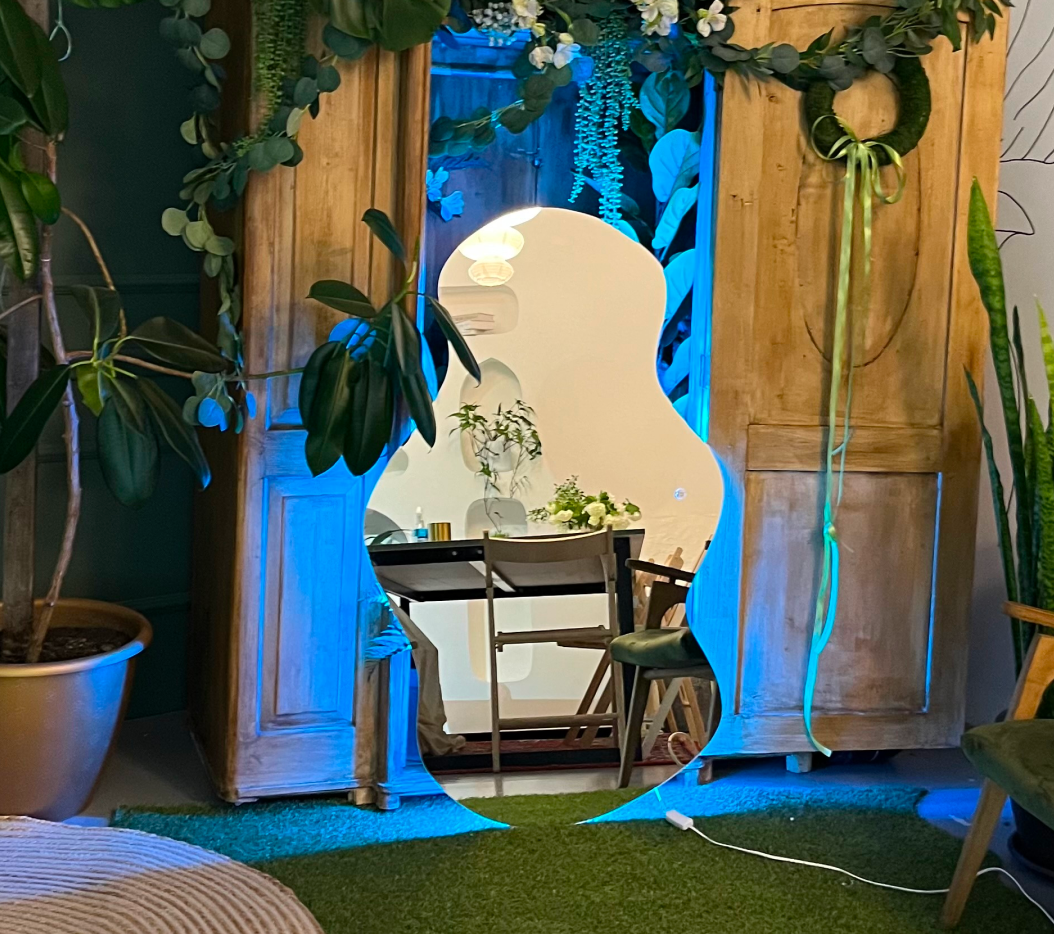
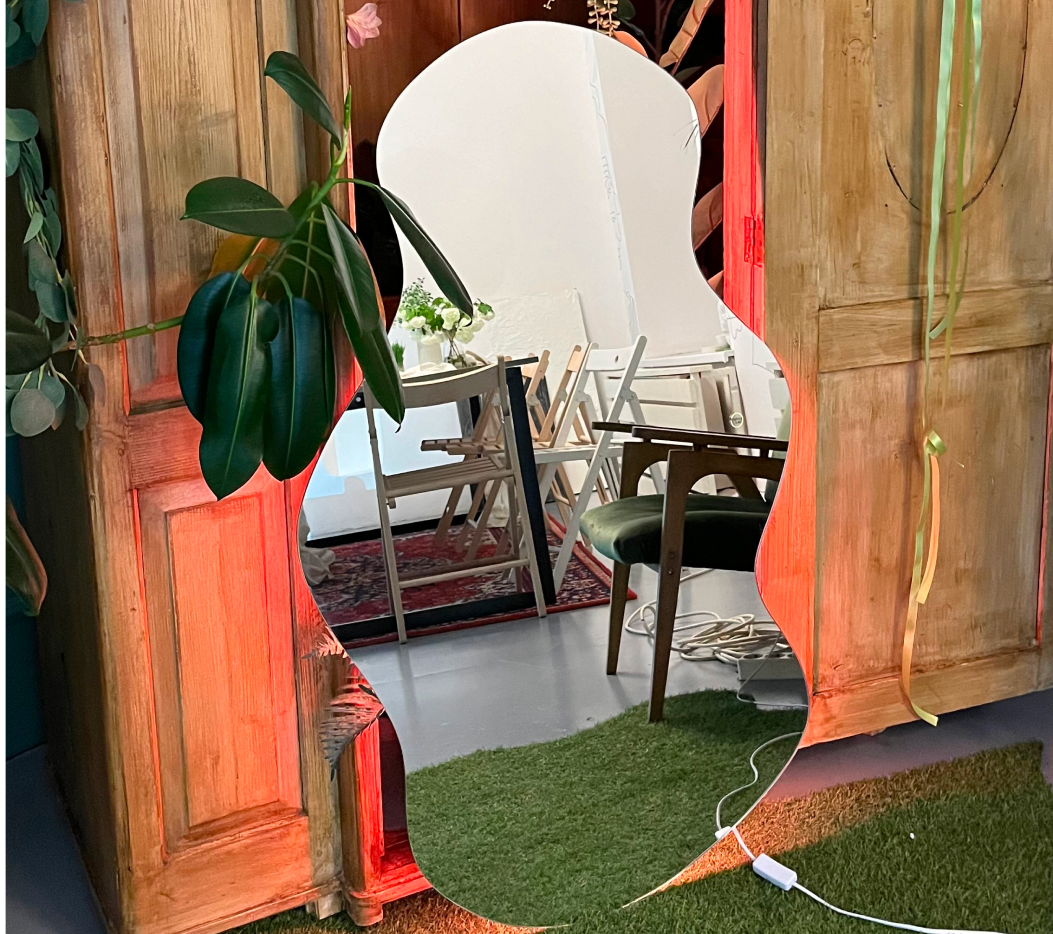

We design minimalist mirrors with an LED panel and impressive effects.
The following mirror types are available in stock:
– 11 backlight colors
– 9 unique light effects
– Adaptive brightness control
– Simple control with a single touch button
– Unique design for any interior
Want a mirror with your own shape, size and effects for your home or business?
We create a one-of-a-kind mirror of any shape with the effects you need.
Contact us – +(373)77787048
Package contents:
MOUNTING – 2 wall mounts
CONNECTION – 220 V cable
FRAME – frameless
WARRANTY – 1 year
PACKAGING – film
The mirror has a single touch button that controls all its functions.
3 touch modes.
1. A short touch turns the mirror on and off.
2. Hold for 3 seconds: the mirror blinks white twice, meaning it has entered effect selection mode.
3. Hold for 5 seconds: the mirror blinks white twice and then three times, meaning it has entered
brightness selection mode.
Effect selection mode.
To enter effect selection mode, press and hold the touch area for 3 seconds: the backlight blinks white twice, meaning the mode is active. A short touch switches to the next effect.
20 effects are available.
1. Warm light.
2. Neutral light.
3. Cool light.
Colored backlight.
4. Orange.
5. Blue.
6. Turquoise.
7. Lime.
8. Red.
9. Pink.
10. Purple.
11. Green.
Effects that fade smoothly from 20% to 70% brightness and back.
12. Neutral light.
13. Warm light.
14. Pink.
15. Turquoise.
Smart effects
16. Sunset effect.
17. Heartbeat effect.
18. Sea tide effect.
19. Sharp color change effect.
20. Smooth color flow effect.
Brightness selection mode.
To enter brightness selection mode, press and hold the touch area for 5 seconds: the backlight blinks white twice and then three more times, meaning the mode is active.
The mirror cycles brightness from 10% to 100% in 10% steps.
To choose the brightness, briefly touch the touch area when the mirror reaches the level you want.
After choosing the effect and brightness, the mirror will start in the chosen mode with the chosen brightness every time it is turned on.
TehnoLab – for people, for emotions, for business.
Opening hours (Mon–Fri): 11:00 – 18:00